
Winged server racks flying through a sunset sky with a bird riding on top, past clouds and two flying saucers

Object Storage on Fly.io

Most object stores park your files in one region and sell you a CDN to fix it. Tigris keeps each object near where it was written and copies it close to whoever asks for it, automatically. It speaks S3, and it bills on your Fly.io invoice.

Try It Now

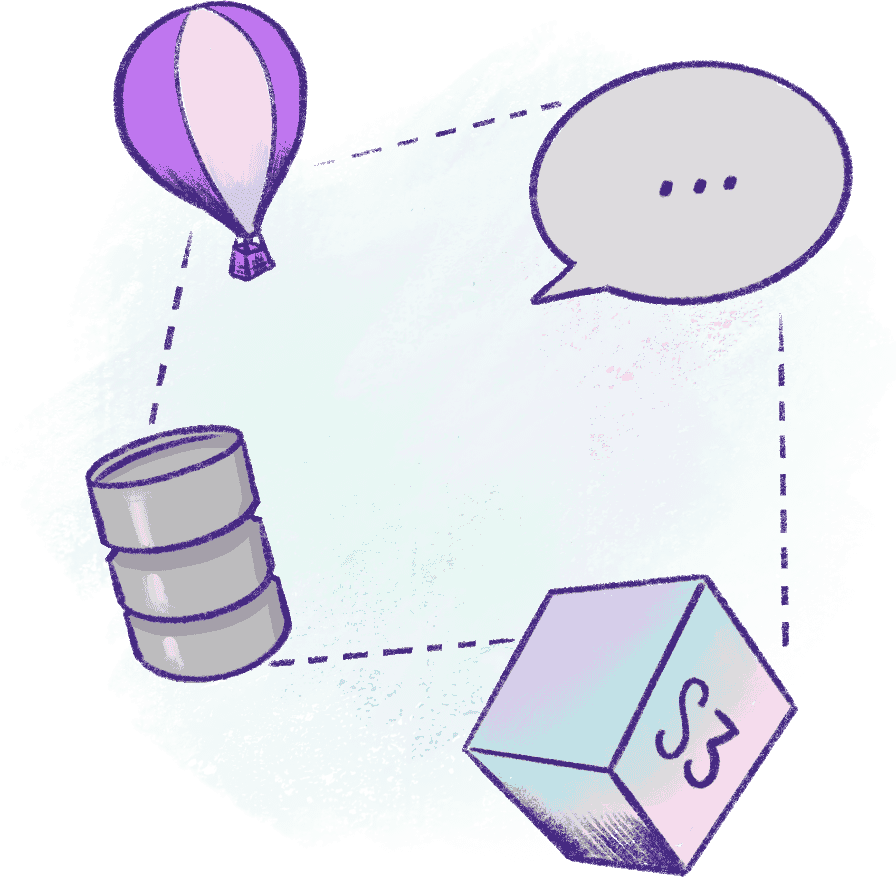
A Fly.io balloon linked to a storage barrel and an S3 cube

Object Storage the Fly.io Way

Tigris is the globally distributed, S3-compatible object store built into Fly.io. It takes care of:

  • Storing objects near the region they're written from
  • Replicating them close to the users who read them
  • Global delivery without a CDN to configure
  • The S3 API, so any AWS SDK works
  • Credentials set as secrets on your app by fly storage create
  • Billing on your regular Fly.io invoice
Try Object Storage

What You Get With Tigris on Fly.io

Public or private buckets, with object-level ACLs to override the bucket's default
Pre-signed URLs for uploads and downloads
Custom domains for public buckets
Snapshots of every write and copy-on-write forks of a bucket, through the Tigris CLI, on buckets created with snapshots enabled
SDK guides for Python, Node.js, Go, Ruby, PHP, .NET, Java and Elixir

Manage buckets with flyctl, the Tigris CLI, the Fly.io dashboard or the Tigris web console.
An open padlock with sparkles rising out of it
A globe with hot air balloons floating over several continents

Where Do My Files Live?

Each object is stored near the region it was written from
When it's requested, Tigris replicates it close to the user asking, based on global traffic patterns
There's no region to choose: your SDK's region is just auto
And there's no CDN to set up in front of it

Your files follow your traffic, so a bucket serves users in Sydney and São Paulo just as well as the region you deployed in.

Move Over Without Downtime

Coming from AWS S3, Cloudflare R2, Google Cloud Storage, MinIO or Backblaze B2? Point a Tigris bucket at your old one as its shadow bucket and keep serving traffic:

Reads check Tigris first, then fetch from the old bucket and copy the object over
Writes go to Tigris, or to both stores with write-through on
Deletes remove the object from both
Only data that's actually used moves

With write-through, your old provider stays current, so you can roll back without losing data.

A Fly.io armored truck for moving data safely

Pay for What You Use

No up-front costs and no second invoice. You pay Tigris's usage-based rates, and they show up on your regular Fly.io bill, whether you made the bucket with flyctl, the Tigris CLI or an SDK.

Usage-based

Billed for what you store and use. Nothing to provision ahead of time.

One bill

Tigris usage lands on your Fly.io invoice, not a separate one.

No CDN line item

Global replication is built in, so there's no separate CDN to pay for.

Getting Started

Create a bucket from your app's directory. flyctl sets BUCKET_NAME, AWS_ENDPOINT_URL_S3, AWS_ACCESS_KEY_ID and AWS_SECRET_ACCESS_KEY as secrets on the app, so any AWS SDK picks them up.

fly storage create
fly storage create --public   # for a public bucket

Save the access keys when they're shown: flyctl can't show them again. To manage the bucket later, run fly storage dashboard your-bucket.

Read the full walkthrough in our docs

Frequently Asked Questions

What is object storage on Fly.io? +

Fly.io's object storage is Tigris, a globally distributed, S3-compatible object store built into the platform. Objects are stored near the region they're written from, and Tigris replicates them close to the users who request them, based on global traffic patterns, so you don't need to set up a CDN in front of your bucket.

How do I create a bucket on Fly.io? +

Run fly storage create, inside your app's directory or with -a your-app-name. It creates the bucket and sets BUCKET_NAME, AWS_ENDPOINT_URL_S3, AWS_ACCESS_KEY_ID and AWS_SECRET_ACCESS_KEY as secrets on your app. Add --public for a public bucket.

Is Tigris compatible with the S3 API? +

Yes. Any AWS SDK works when you point it at https://t3.storage.dev with region set to auto. Tigris supports pre-signed URLs for uploads and downloads and HTTP headers on objects such as Cache-Control, and publishes SDK guides for Python, Node.js, Go, Ruby, PHP, .NET, Java and Elixir.

Can I serve files from a public bucket? +

Yes. Objects in a public bucket are served without credentials or pre-signed URLs at mybucket.t3.tigrisfiles.io. For stable URLs, add a custom domain with fly storage update mybucket --custom-domain assets.example.com and point a CNAME at mybucket.t3.tigrisbucket.io. Object-level ACLs can make individual objects public or private regardless of the bucket's default.

How is Tigris object storage billed on Fly.io? +

By usage, with no up-front costs, at the rates on Tigris's pricing page. Tigris usage appears on your regular Fly.io bill rather than a separate invoice, whether you created the bucket with fly storage create, the Tigris CLI, or an SDK using Fly-provisioned credentials.

Can I move my data from S3, R2 or Google Cloud Storage without downtime? +

Yes. Create a Tigris bucket with your old bucket as its shadow bucket. Reads check Tigris first, then fetch from the old bucket and copy the object over, so only data that's actually used moves. Turn on write-through and writes go to both stores, which keeps the old provider current so you can roll back without losing data. It works with AWS S3, Cloudflare R2, Google Cloud Storage, MinIO, Backblaze B2 and others.

Does Tigris support snapshots and forks? +

Yes, through the Tigris CLI, SDKs or web console rather than flyctl. Snapshots keep every write so the bucket's full history can be restored, and forks are copy-on-write clones made from a snapshot. Snapshots have to be enabled when the bucket is created: buckets made with fly storage create don't have them, so create one with tigris buckets create my-bucket --enable-snapshots.

I lost my bucket's access keys. Can I get them back? +

Not from flyctl. Access keys are shown once, when the bucket is created, and fly secrets list shows only hashes of them. To manage keys afterwards, open the bucket with fly storage dashboard mybucket.

Ship Files, Not CDN Configs. Let Tigris put them near your users.

Try Object Storage